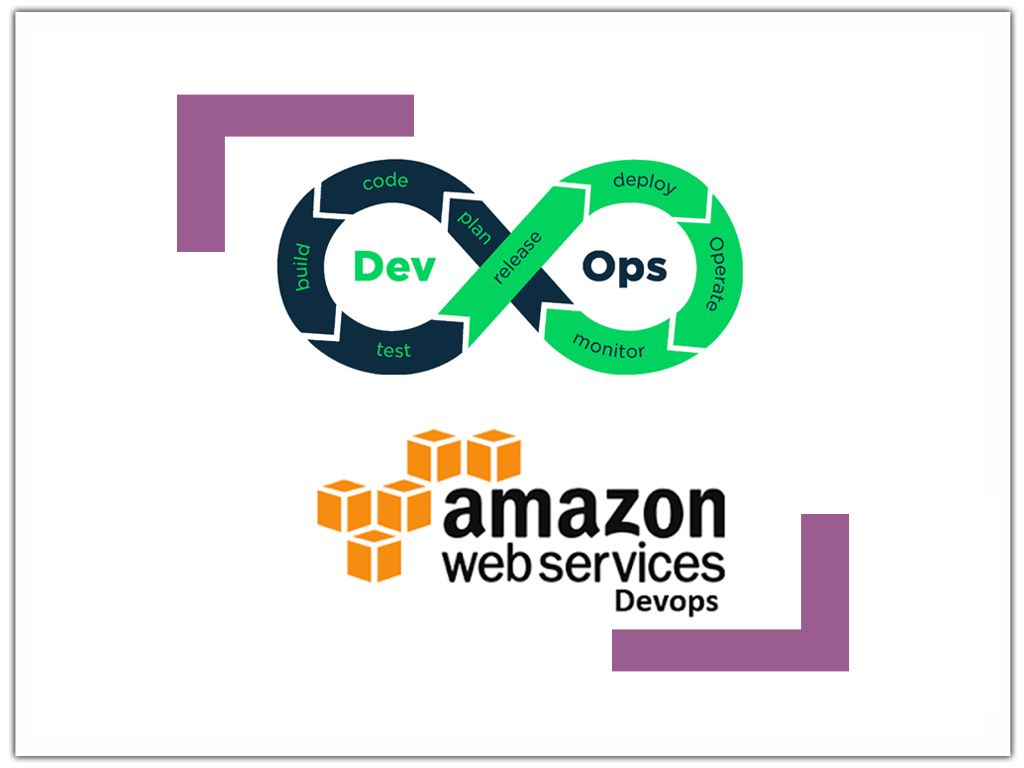
Aws Certified Devops Engineer – Certification course:
We have Devops training online for Working professionals and Recent Graduates who are looking to make a bright career in DevOps roles.
Before diving into course, let us understand what is DevOps….
According to AWS it is a combination of cultural philosophies, practices, and tools that increase of organization’s ability to deliver applications and services which are scalable and at the same time which are secure.
In DevOps process, both Development and Operations team collaborate and work towards achieving the common goal of building the application with continuous integration in place.
Using DevOps Companies can rely on Speed, Agility, Reliability, Scale, Collaboration and Security.
The Certfication Aws Certified DevOps Engineer focusses on the below parameters:
- To Implement and manage continuous delivery systems and methodologies on AWS
- To Understand, implement, and automate security controls, governance processes, and compliance validation
- To Define and deploy monitoring, metrics, and logging systems on AWS
- To Implement systems that are highly available, scalable, and self healing on the AWS platform
- To Design, manage, and maintain tools to automate operational processes.
- Solution Architects or Programmers looking to build SAAS, PAAS, IAAS applications or migrate data to AWS from existing data centres
- System and Network administrators
- Graduates and professionals looking to upgrade their skills in the cloud computing domain
AWS Devops Architect Training ensures a wide scope for those who are in IT sector. It is beneficial for software engineers and also for:
Application Developers
Cloud Managers
In this course, we train students on everything starting from basic of cloud technology to its true usefulness on a large scale in businesses. We also give exam cracking tips to the students. The course is of short duration and is conducted by some of the highly experienced professionals. Learning strategies, course material, and classes, all are based on current and recent trends on AWS Devops Architect.
Yes, we offer single course also.
We would offer custom courses also based on the student requirement.
Once registered for the training sessions, the company has right to deduct the fee to cover the costs of demo sessions, administrative costs, Training Expenses and server usage as per the instructions below, if the consultant wish to discontinue from the course due to any reason.
Rexorsoft has right to deduct anywhere in between $100 to $300, if the consultant has just registered for the training.
If the Consultant wants the refund of money after attending a minimum of 3 sessions, the company has right to deduct either 50% of the training fee or $700, whichever is higher.
If the Consultant wants the refund of money after attending a minimum of 3 sessions, there will not be any refund in such case.
Basic knowledge of any programming language will be good.
Chicago, Hyderabad, San Francisco, London, Melbourne, New York, India, Toronto, Ahmedabad, Boston, Chennai, Delhi, Hong Kong, Mumbai, Pune, Seattle, Singapore, Sydney, Charlotte, Phoenix, Indianapolis, Denver, Austin, Atlanta, Los Angeles, Dallas, Dubai, Houston, Jersey, Noida, Portland, Raleigh, San Antonio, San Diego, San Jose, Tampa, Washington
According to AWS it is a combination of cultural philosophies, practices, and tools that increase of organization’s ability to deliver applications and services which are scalable and at the same time which are secure.
-
INTRODUCTION TO DevOps
What is DevOps? History of DevOps Dev and Ops DevOps definitions DevOps and Software Development Life Cycle DevOps main objectives Infrastructure As A Code IaaS Overview Paas Overview DevOps on the Cloud Prerequisites for DevOps Tools (Jenkins, Chef, Docker, Vagrant and so on.) Continuous Testing and Integration Continuous Release and Deployment Continuous Application Monitoring
-
CLOUD COMPUTING and VIRTUALIZATION
History and evolution of cloud Cloud computing concepts Grid Computing vs. Cloud Computing Characteristics and Benefits of Cloud Cloud service models (NIST) IaaS, PaaS and SaaS Cloud service model implementations Cloud Deployment Models (NIST) Virtualization Virtual Machines Virtual bootable OS Images Cloud Storage SOA and Cloud Virtual Private Cloud (VPC) Risk in Cloud and DevOps security concerns Introduction to AWS and AZURE
-
DevOps ADOPTION TOOLS
Things to Look For and Avoid IT Assets Ownership Viewing Applications As Products, not Projects DevOps in the Enterprise IT Governance Governance and Risk Mitigation DevOps Adoption Steps Select DevOps Techniques and Practices Service Quality Metrics The Choice of Cloud Platform IaaS for DevOps PaaS for DevOps Containerization Tools System Configuration Automation and Management Continuous Integration (CI) Systems Build and Dependency Management Systems Select DevOps Tools Collaborative Lifecycle Management Solutions from IBM Rational Team Concert (RTC) Rational Quality Manager (RQM) Rational DOORS Next Generation (DNG)
-
DevOps TOOLS: CHEF
Overview of Chef Workstation Setup Organization Setup Common Chef Terminology (Server, Workstation, Client, Repository etc.) Servers and Nodes Chef Configuration Concepts How to configure knife Execute some commands to test connection between knife and workstation Create organization Test Node Setup Databags Node Objects and Search Environments Advanced Chef Add yourself and node to organization Create a server and add to organization Check node details using knife How to create Databags Add Databags to organization How to Add Run list to Node Check node Details How to create Environments Add servers to environments Create roles Add Roles to organization What is foodcritic and TestKichen Improve and expand on the existing recipes One-click system launching
-
DevOps TOOLS: PUPPET
Introduction to Puppetp Installation and Configuration of Master server and agents Managing Manifests Creating and Managing modules Version control with Puppet
DevOps TOOLS: VAGRANTIntroduction Installation and Configuration Provisioning with Vagrant What is Vagrant Uses of Vagrant in an environment How to install Vagrant in Windows and Linux Configure Vagrant How to use Vagrant to create small virtual Add required Images to Vagrant Using Vagrant Using Vagrant in Chef for Testing
DEVOPS: SOURCE CODE MANAGEMENT
GIT REPOSITORY
CONTINUOUS INTEGRATION
INTRODUCTION TO JENKINS-CI
Continuous Integration with Jenkins Overview Installation Configure Jenkins as stand-alone application Configure Jenkins on an Application Server Jenkins management Support for the Git version control systems Different types of Jenkins Jobs Setting up a Jenkins job Scheduling build Jobs Maven Build Scripts Securing Jenkins Jenkins Plugin Authentication Authorization Confidentiality Creating users Installing Jenkins Plugins SCM plugin Build and test Analyzers Distributed builds with Jenkins Best Practices for Jenkins • SonarQube integration • Cobertura Coverage tool
DEVOPS: MONITORING
NAGIOS
ZENOSS
How to monitor the Servers in Nagios Trigger Alerts in Nagios How to apply blackouts and remove blackouts How to monitor the Servers in Zenoss Trigger Alerts in Zenoss How to apply blackouts and remove blackouts How to check events; CPU,Memory and RAM Graphs for servers
GENERAL ENVIRONMENT SETUP STEPS IN AWS and NTTAAWS Basics AWS EC2 instances S3 elkbean stalk Install Jenkins on AWS & Demo Automated Build Triggers Creating Servers and Networks in Cloud Setting up rules and Application Difficult Scenarios in environments. Scaling Environment testing Monitoring logs
MISCELLANEOUS
Other Tools used in DevOps, Docker


It was hands on and very extensive but useful course suggested by the Shimha. I got lots of valuable techniques related to real time. I am really happy with that decision my tutors were wonderful and I am really lucky that I could have a chance to be a part of Rexorsoft family. My instructor Goutham has hands on experience on AWS
Friendly and knowledgeable tutor – lots of patience happy to help us most of the time!!!.Really like that, class sizes are very small as it allows us to ask questions and go at our own pace. Very good value for money compared to other similar DEVOPS courses around.
The Rexorsoft support that came with the AWS training was really worth mentioning. I was awed when my every query got resolved in less than 24 hours. Hats off to Rexorsoft AWS course.